miniSIPServer on Deepin V20
Perfect! So beautiful!

Perfect! So beautiful!

Our data center updates us that maintenance is required for one or more of our servers’ physical hosts. The hosts will be rebooted, and a number of critical updates will be installed.
The maintenance schedule in UTC is as follows:
2020-08-07 03:00:00 AM UTC
Important to know:
(1) A 2-hour window is allocated, however, the actual downtime should be around 45 – 60 minutes.
(2) Your virtual server(s) will be cleanly shut down and will remain inaccessible during the maintenance window.
(3) You might reboot your SIP phones/devices to register to virtual server(s) again once the virtual server(s) is(are) back to work.
Please let us know if you have any questions or concerns. Thanks!
When deploying a VoIP network, we often have one-way or no-way audio problems. It is caused by private network, for example, some SIP phones or miniSIPServer are behind routers and other SIP devices are in another different network which could be a private network or public network.
To resolve such problem, we often suggest to configure “forwarding ports” in routers manually. If you are familiar with routers, it is easy to do that.
But someone might not know how to do that, or someone might make mistake in router’s configuration. So we add a new feature in miniSIPServer to help that.
It is UPnP (Universal Plug and Play). UPnP can help miniSIPServer to map necessary ports automatically.
Firstly, you need confirm that your router can support UPnP and it has been enabled.
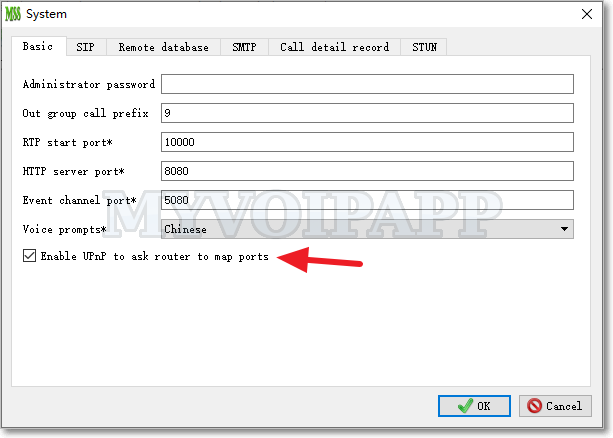
Then, you can click menu “Data – System” in miniSIPServer and enable the item “Enable UPnP to ask router to map ports”. Please refer to following figure.

By default, miniSIPServer will map SIP (over UDP) port and audio ports for relaying audio streams.
In another way, there is a limitation in routers. Most routers limit the number of UPnP ports, for example less than 30 ports. So if you are deploying a miniSIPServer for 50 clients or more, you will still have to configure “forwarding ports” manually.
Ubuntu 20.04 is the latest LTS (Long Term Support) version, so it is very important for miniSIPServer to support this platform.
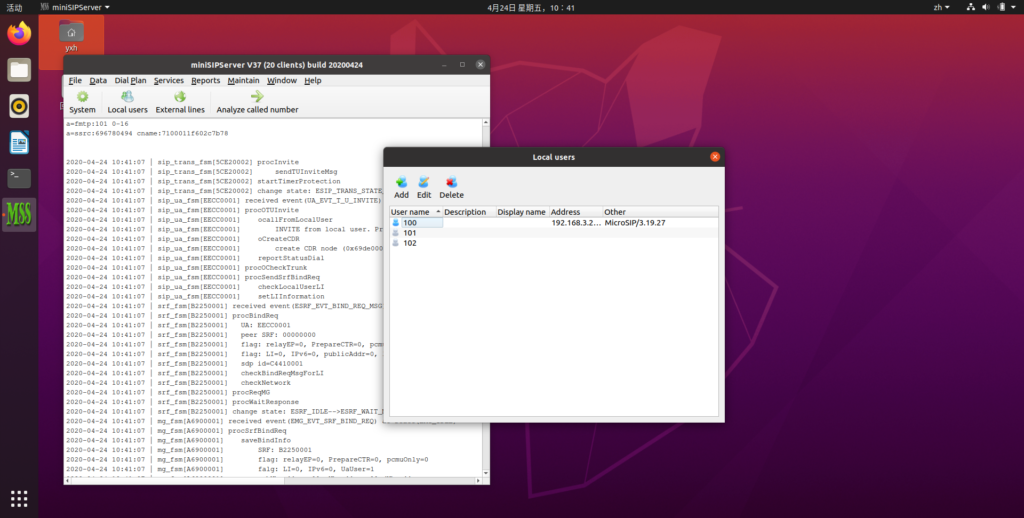
Unfortunately, Ubuntu 20.04 has cut Qt4 and all its libraries, so we have to upgrade miniSIPServer to V37 (build 20200424) with Qt5. Now it is perfect to run miniSIPServer on Ubuntu 20.04. Please refer to following figure.

By the way, miniSIPServer for Windows will stay with Qt4 since we have to support several old Windows systems, such as XP and 7, and so on. In the future, as planed, V38 will say goodbye to Qt4 finally on all platforms.
In normal, cloud miniSIPServer almost has the same services with local miniSIPServer. But for some limitations, there are some different features between them. For example, voice mail service is different.
With local miniSIPServer, each local user or extension can prompt their own audio in voice mail procedure. But with cloud miniSIPServer, each local user can only prompt the unified audio associated with their virtual PBX server. Of course, the default unified audio can be replaced with customer’s own audio file.
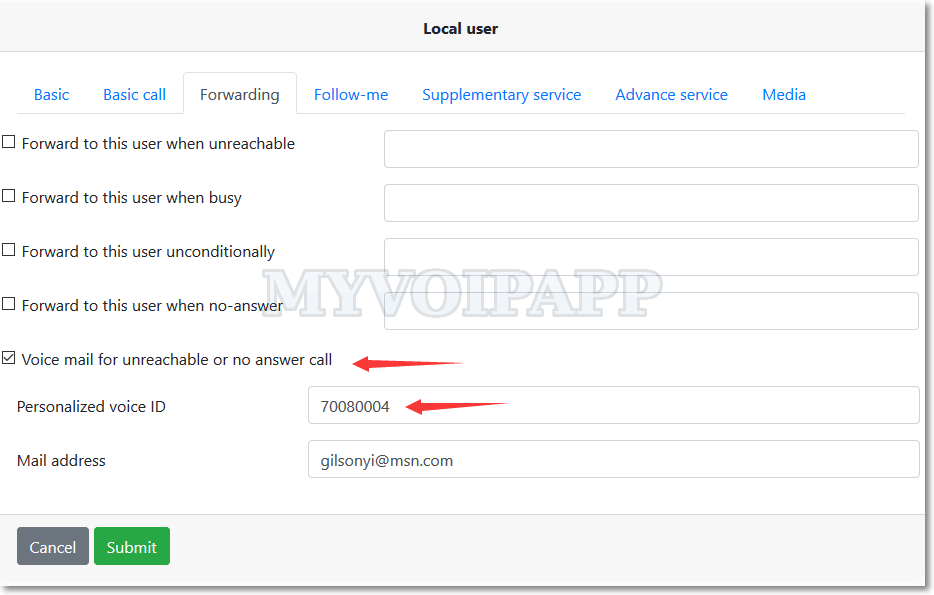
Now cloud miniSIPServer is upgraded. In a virtual server, each local user can has its own audio file now. Please refer to following figure. You can see a new item “Personalized voice ID” which can be different for different user.

Of course, the audio file cannot be uploaded to virtual server by customers themselves. If you want to upload audio files, please send them to our support team, we will upload them to your virtual server manually.
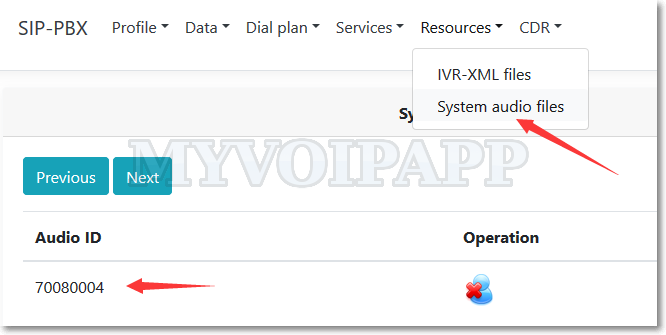
Once the audio files are uploaded, you can manage them by yourself. Please refer to following figure.

In another way, you need follow some rules to create your own audio files, such as the file format and the audio codec, and so on. Please refer to online document for more details.
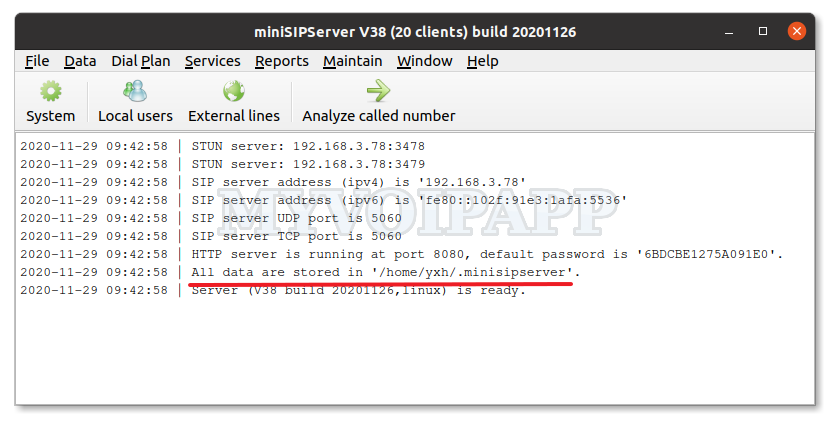
Deepin is a very popular Linux distributor system in China market. It is very beautiful and easy to use. More and more software have been migrated to this system in China. As we know it is based on Debian system, we think it should be no problem to run miniSIPServer on it directly.
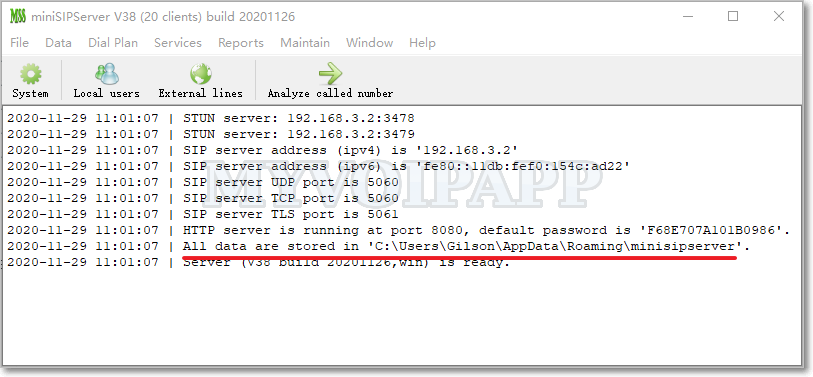
And it is true! Follow the online document, we can install and run miniSIPServer as same as what we do in Debian system.

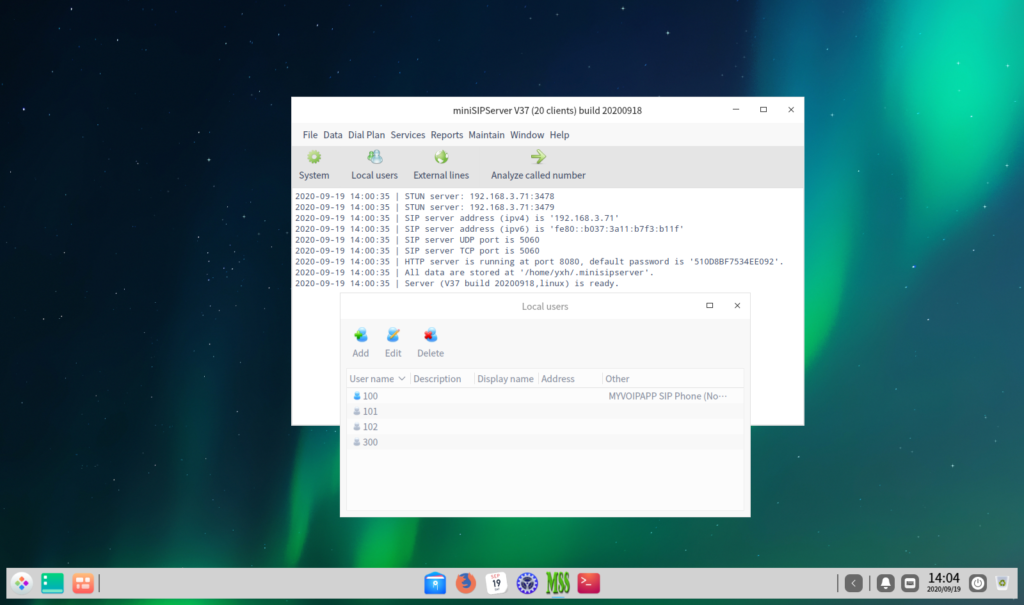
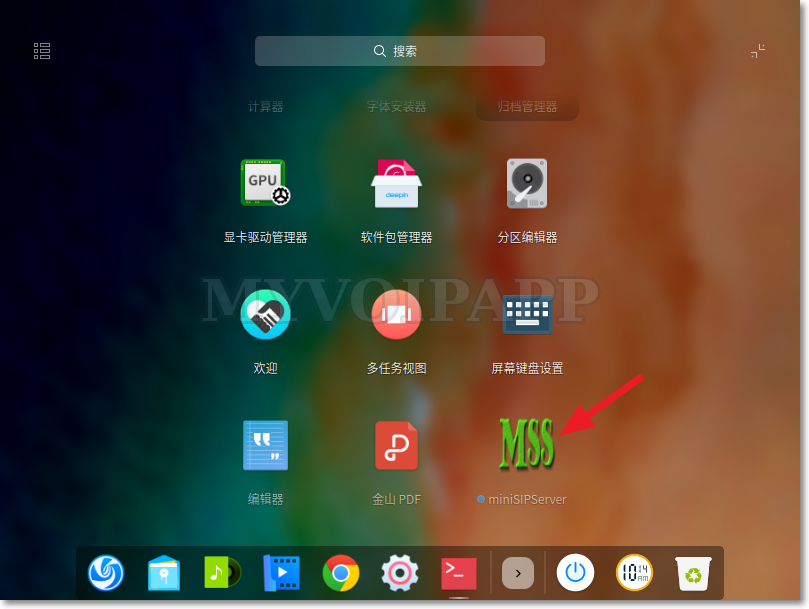
Yes, this system is very beautiful. After install miniSIPServer, you can find it in its software market.
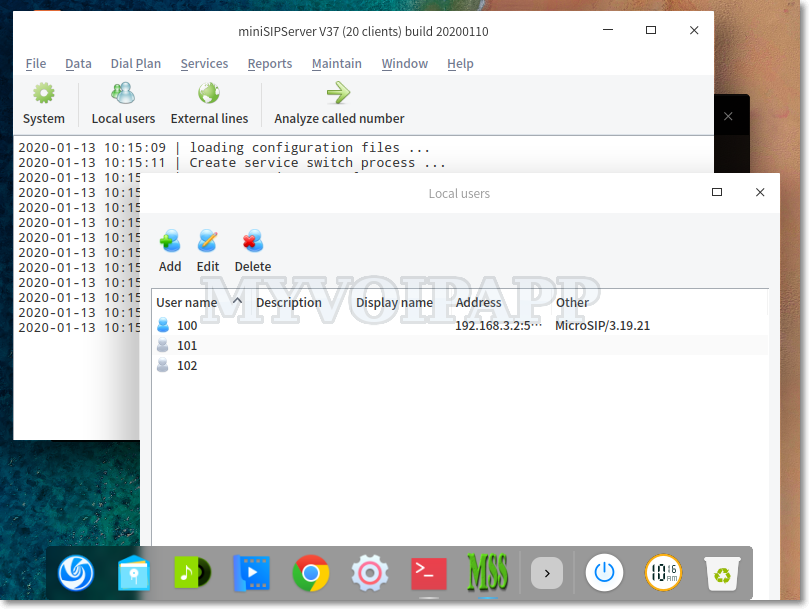
And it is very easy to run miniSIPServer.

Please enjoy it!
In the end of next month (2020-01-31), we will clear some zombie virtual servers from our cloud system.
If the virtual server has following features, we will define it to be a zombie node and will be cleared in this action.
(1) The virtual server has not be signed in or activated since 2 years ago. If you didn’t sign into your account or virtual server after 2017-01-01, please sign into your account at less one time to avoid that.
(2) And there isn’t any SIP clients register to the virtual server, or there isn’t any SIP calls after 2017-01-01.
Zombie virtual servers waste our resources and are not affair to other customers, so please pay attention to this action and thanks for understanding.
2020-02-13 updated: This task is finished now. In future, we will keep clearing zombie virtual servers without notification. If your virtual server is not signed in or activated in recent 1 year, please pay attention to this.
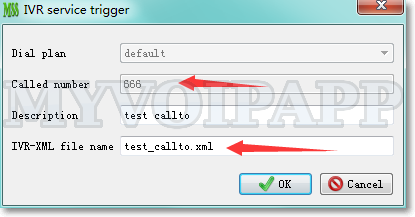
In miniSIPServer, we can use IVR-XML script to enable our own services, such as automatic-attendant. With previous IVR-XML set, ‘callto’ action will invoke a call to destination and finish the whole IVR process.
But if we want to monitor some events in the call flow, such as we want to check ‘busy’ event and change the IVR flow to a new action, what should we do?
Now V37 is released and a key feature is updated in IVR-XML. We can use ‘monitor-events’ in ‘callto’ action to monitor some events and change the call flow if they are caused.
For example, the ‘callto’ action can be configured as below.
<action method="callto" name="mainAction">
<destination>100<destination>
<monitor-events>
<monitor-event detection="busy" nextaction="callto101"/>
</monitor-events>
</action>
In this example, if the call invoked by ‘callto’ action is busy, IVR procedure will be changed to next action ‘callto101’.
Please refer to IVR-XML document for more details about “monitor-events” element.
Above zip file is an example of new ‘callto’ action. You can save and unzip it into ‘xml’ sub-directory where miniSIPServer is installed and configure a new record to test it.

We upgraded cloud miniSIPServer system for some key features. The most important feature is “SIP over TLS”.
By default, cloud system opens TCP port 6060 to accept “SIP over TLS” messages. It is used to encrypt SIP messages. This feature is available for all virtual servers without any additional fee or configurations.
Now, SIP phones can connect to cloud miniSIPServer nodes with “SIP over TLS”, but “external line” and “SIP trunk” still can only use “SIP over UDP” to work with voip providers.
This feature can only encrypt SIP messages. If you want to encrypt media streams, such as audio stream and video stream, you need enable SRTP in your SIP phones. By default, media streams are bypass and processed by SIP phones themselves, cloud miniSIPServer will not process these media streams.
Please visit online document “SIP over TLS” for more details.
Debian 10 (Buster) is released. It is a stable and important version and can be deployed in business environment, so we must pay enough attention to this version.
We make some test with miniSIPServer on Debian 10. Now we are proud to announce that it is perfect to run miniSIPServer on the latest Debian system. Please refer to following figure.

You can update Debian source list, then download and install miniSIPServer. No more action!
Debian organization, Congratulation!