Optimization: load IVR-XML files into memory
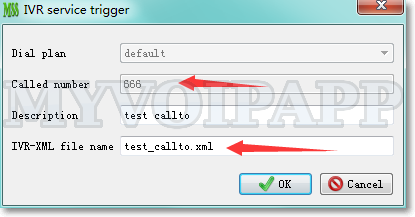
In most scenarios, the size of IVR-XML files are very small, only several KB, so it is no problem to read these files from hard disk when processing an incoming call to trigger IVR service. But if there are heavy workloads, for example, huge concurrent calls to trigger IVR services, miniSIPServer has to read these files from hard disk frequently. Obviously, it will affect server’s performance.
So we try to optimize this and load all IVR-XML files into memory. If the file is not modified, IVR service will read it from memory directly. If the file is modified, miniSIPServer will reload it into memory automatically.
That means all IVR operations will be processed in memory and will never visit hard disk if the files are not modified. With this optimization, miniSIPServer will be faster than before.