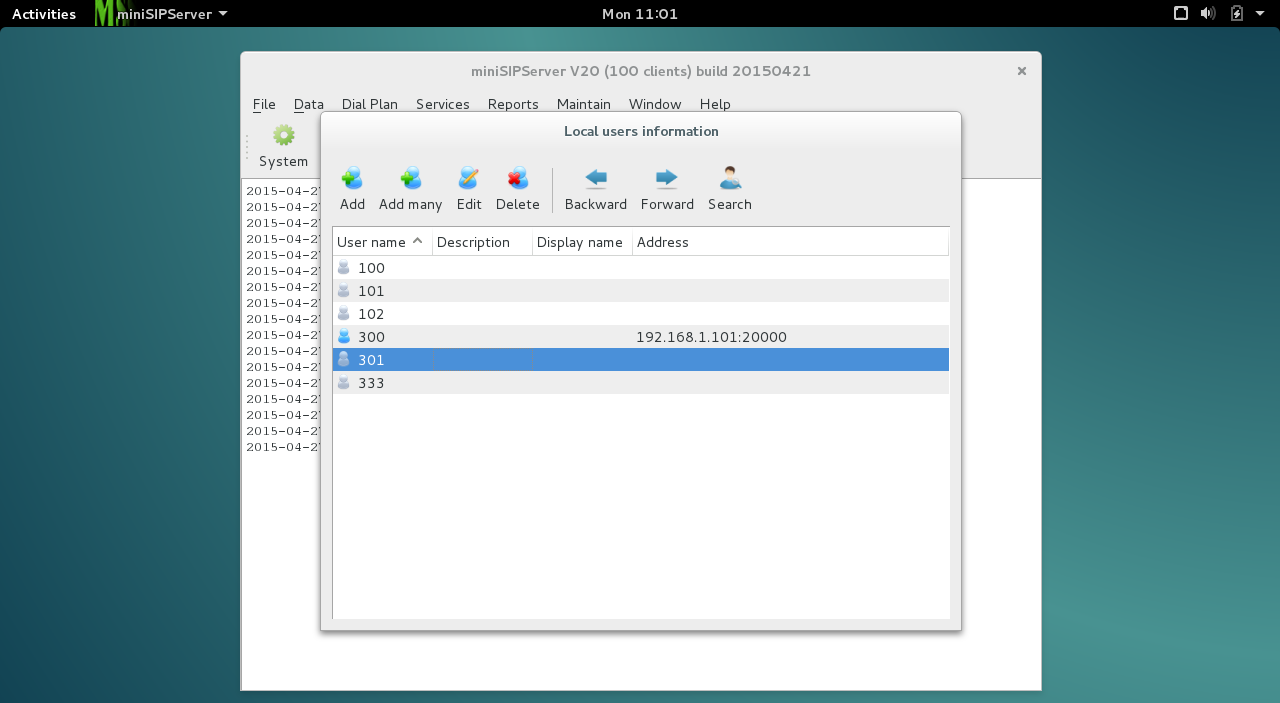
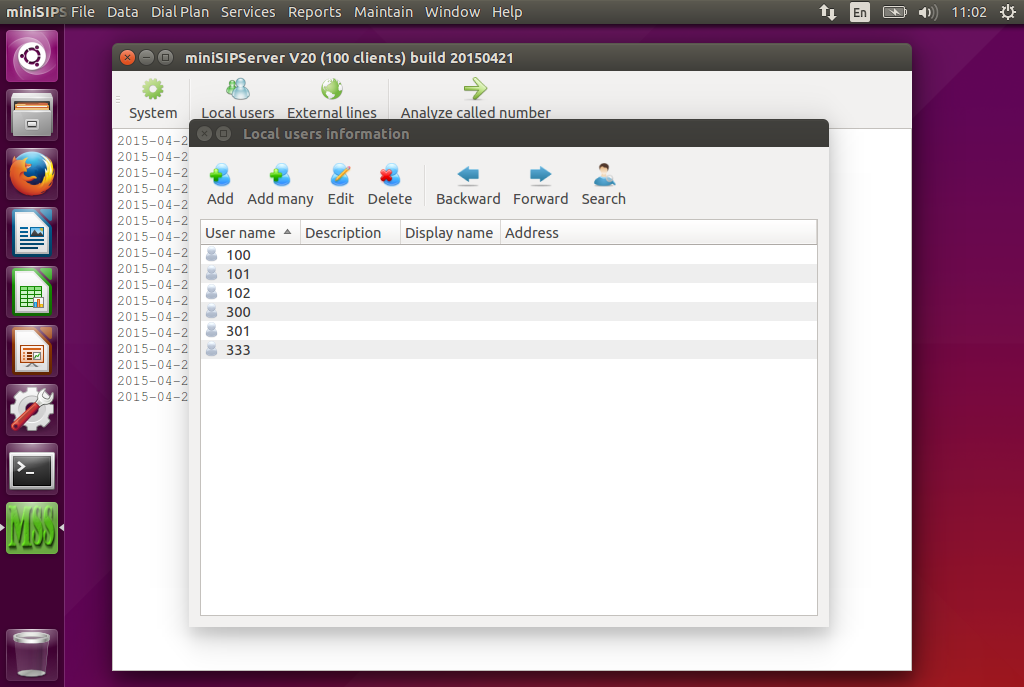
The latest Ubuntu 16.04 was released yesterday. Since it is a LTS version, we downloaded it as soon as possible and made some test in lab.
Some libraries have been upgraded or changed in this version, we need update MSS to fit these modifications. If you want to try miniSIPServer on Ubuntu 16.04, or you want to upgrade your previous Ubuntu to 16.04, you need install latest miniSIPServer V27 (build 20160422) .
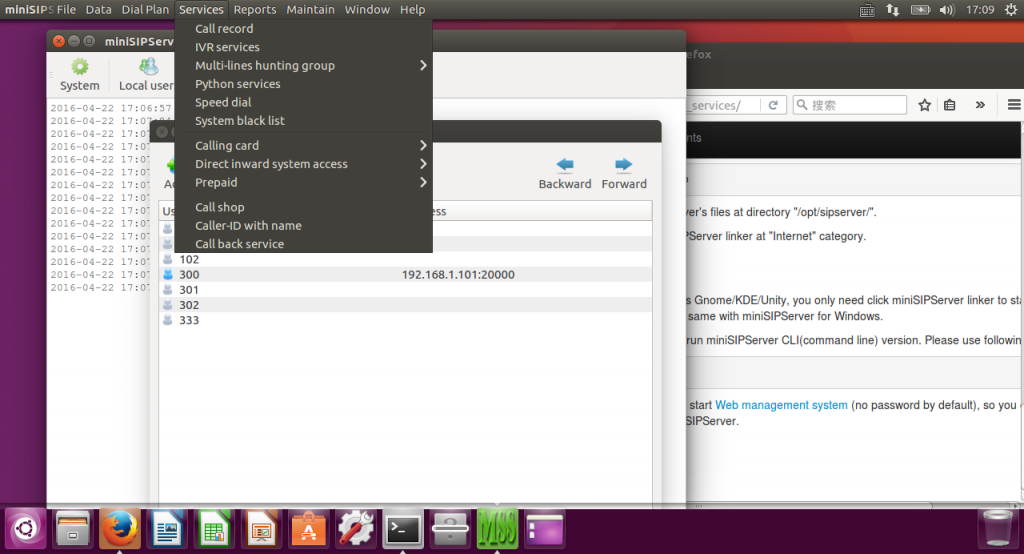
Please refer to attached figure, we run the latest MSS on Ubuntu 16.04.
Some customers have several office branches and hope to establish VoIP connections between them. There are several methods to do that. Here we give an example to describe how to establish voip connections between two MSSes with SIP trunk feature.
2. Network topology
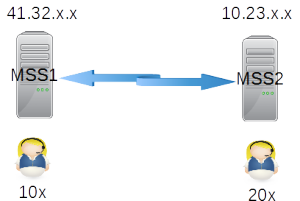
The network topology is simple. There are two office branches. Please refer to below figure.
Demo network
Before we setup voip network, it is better to assign extension numbers. Different office numbers will effect how to configure call routing in both MSSes. In above figure, we can see the extensions in office 1 are 1xx, and extension numbers in office 2 are 2xx.
Both MSSes are configured with public IP address. If your MSS is behind NAT or router and you want to provide connection for outsides users, please refer to another document firstly.
Now we give detail configurations for it.
3. Configuration
In below configurations, items should be kept their default values if we don’t configure them obviously.
3.1 MSS1
Please click menu “data – SIP trunk”, then add a record:
SIP trunk ID = 1
Description = to MSS2
Server address = 10.23.x.x
Please click menu “dial plan – analyzed called number” , then add a record for routing 2xx to such SIP trunk.
called number prefix = 2
route type = SIP trunk
SIP trunk ID = 1
3.2 MSS2
It is almost same with MSS1.
Please click menu “data – SIP trunk” to add a record.
SIP trunk ID = 1
Description = to MSS1
Server address = 41.32.x.x
Please click menu “dial plan – analyzed called number” for routing calls to above SIP trunk.
called number prefix = 1
route type = SIP trunk
SIP trunk ID = 1
Main feature of this version is “customized DNS”. It enables miniSIPServer to query DNS result with own asynchronous interfaces and independent DNS servers. That means MSS will not be blocked if there are exceptions in DNS systems.
Please refer to document for more details about this feature:
It is glad to hear that Ubuntu 15.04 is released today. We download the latest 64bit version and install it in virtualbox to test our new miniSIPServer V20 version.
We are very glad that it is no problem to run miniSIPServer V20 on this Ubuntu version. So you can enjoy it yourself if you want to try latest Ubuntu 15.04.
Of course, since 15.04 is not LTS version and is not recommanded to most customers, we suggest you to stay with LTS Ubuntu, such as 12.04 or 14.04.
We just tried windows 10 (tech preview) and find it is better than windows 8.1. And we are glad to find that it is no problem to run MSS on this platform.
run MSS on windows10
So if you are running Windows10, you can still deploy MSS to build your own VoIP system. Easy and funny, enjoy yourself!
Today we upgrade cloud-MSS to support webRTC. That means you can use miniWebPhone to connect to your virtual MSS node now, you don’t need to install any SIP softphone or hardphone to work with cloud-MSS if you have installed Chrome in your PC.
Please refer to following document for more details about webRTC and MSS:
Today we release latest V15 for miniSIPServer. This version is focus on providing a new service engine which is written in Python script.
That means almost all services are written in Python script files. New service engine is more flexible to fit different services requirements. Some advanced customers even can written their own special services now.
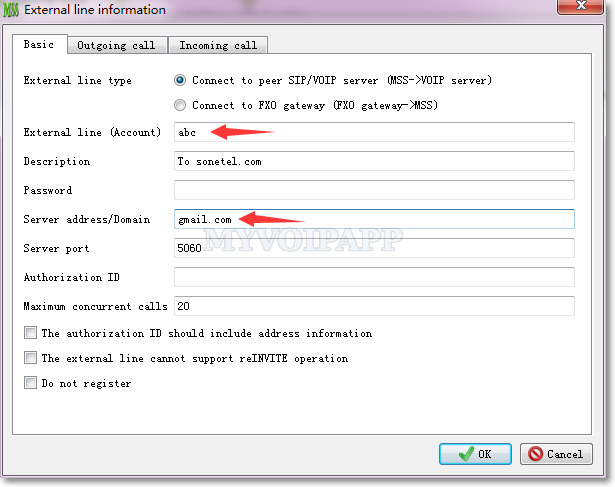
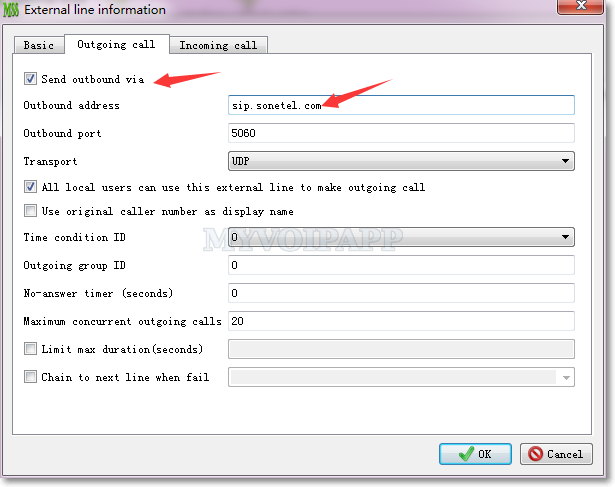
Two external lines, how to use specific one by dialing different called number prefix?
One of our customers has two different VoIP accounts, for example (1) 1234 and (2) 5678. It is required to select account “1234” if users dial “9xxxx” numbers and select account “5678” if users dial “8xxxx” numbers. The final numbers should delete these prefix “9” or “8” and “xxxx” should be sent to VoIP providers.
Solution
We can use MSS powerful “dial plan” features to fit this requirement.
By default, MSS uses called number prefix “9” to distinguish outgoing calls to outsides. If there are several external lines and without any special configuration, MSS will select one of them in round-robin for each call. Now what we need do is to configure different called number prefix and select different external line for them.
Step 1: configure number transition
In this step, we need configure a record to delete number prefix “8” or “9” from called numbers. Please click menu “Dial plan / Transition” to add a record illustrated below.
Transition ID = 1
Transition type = delete
Start position = 0
Length = 1
Step 2: add new “Analyze called number” records
According to requirement, we need indicate MSS to analyze called number prefix “8” and “9” to use different specific external line. Please click menu “Dial plan / Analyze called number” to add two records.
Record 1: analyze called number prefix “9”
Dial plan = default
Called number prefix = 9
Route type = external line
Specific external line = 1234 <== use specific external line
Change called number = yes
Transition ID = 1 <== configured in step 1
Re-analyze after transition = no
Record 2: analyze called number prefix “8”
Dial plan = default
Called number prefix = 8
Route type = external line
Specific external line = 5678 <== use specific external line
Change called number = yes
Transition ID = 1 <== configured in step 1
Re-analyze after transition = no
With latest V13.1, MSS can support “SIP over TLS” now. In some enterprise communication systems, they often requre that SIP/Call signals or messages must be crypted to protect users information. Now it is very easy to do that with this new version.
Please refer to our online document for more details about this feature: